-
 HTML5 Course 1 × $40.00
 -
 JS
ES6 Course 1 × $99.00
JS
ES6 Course 1 × $99.00 -
 PHP
Course 1 × $56.00
PHP
Course 1 × $56.00 -
 Python Course 1 × $23.00
 -
 WordPress Course 1 × $100.00
Subtotal: $318.00
HTML5 Course 1 × $40.00JS
ES6 Course 1 × $99.00PHP
Course 1 × $56.00Python Course 1 × $23.00WordPress Course 1 × $100.00Subtotal: $318.00

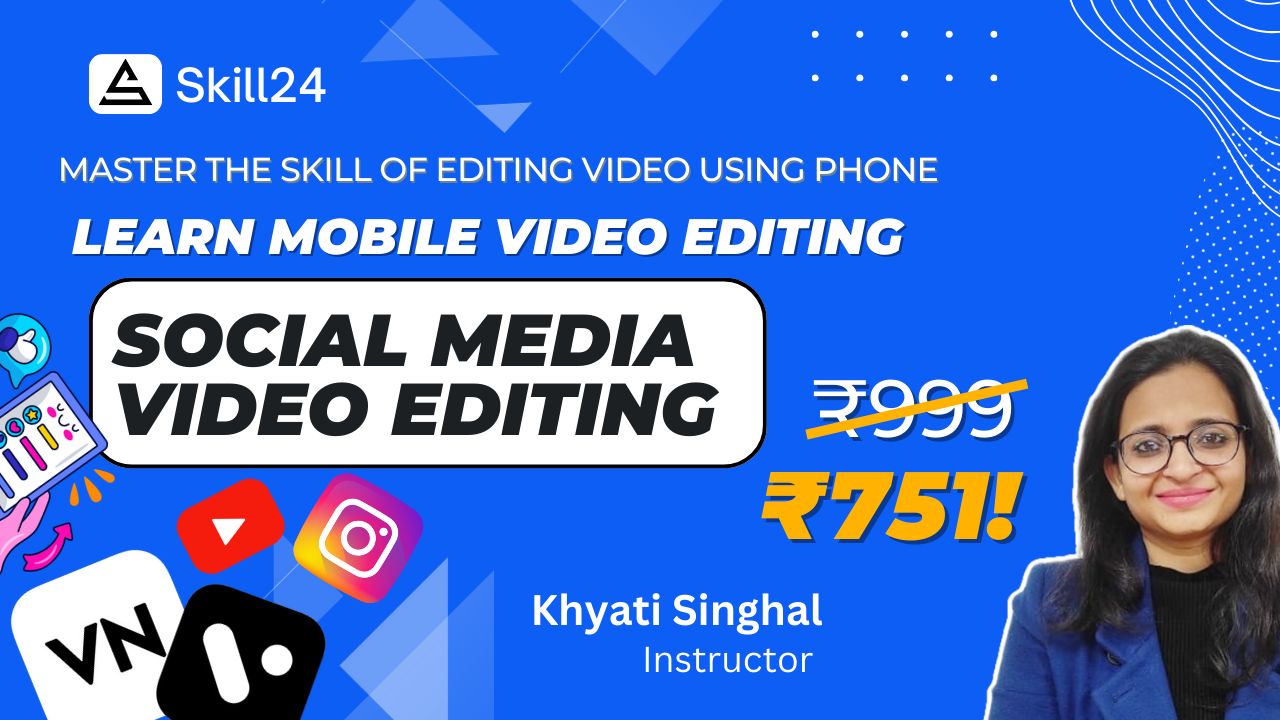
What is Mobile Video Editing?
Mobile video editing is the process of creating and enhancing videos directly on your smartphone or tablet using specialized apps like VN and Vita. It allows you to edit, trim, add effects, transitions, and music to your videos, all from the convenience of your mobile device. With the advancement of technology, mobile video editing has become increasingly powerful, enabling users to produce high-quality content on the go.
What Will You Learn?
In our Mobile Video Editing course, you'll gain hands-on experience and learn:
Essential editing techniques: Master the fundamentals of video editing, including trimming, cutting, merging clips, adding transitions, and incorporating text and graphics.
Advanced editing features: Explore more advanced editing tools and effects to enhance the visual appeal of your videos, such as color correction, filters, and animation.
Optimizing for social media: Learn how to tailor your videos for various social media platforms, including aspect ratios, video lengths, and optimizing for mobile viewing.
How Will it Help You in Your Career?
Our Mobile Video Editing course offers numerous benefits for your career:
Enhanced versatility: Acquire the skills to create professional-quality videos directly from your mobile device, providing you with greater flexibility and versatility in your content creation endeavors.
Expanded opportunities: With the rising demand for video content across various industries, mastering mobile video editing can open up new career opportunities in fields such as social media marketing, content creation, videography, and more.
Increased marketability: Differentiate yourself in the job market by showcasing your proficiency in mobile video editing, valuable skills sought after by employers in today's digital landscape.